
How to start a golf league
A step-by-step walkthrough of setting up a league in The Turn — from creating it to publishing your first round. Every screenshot below is the real app, not a mockup.
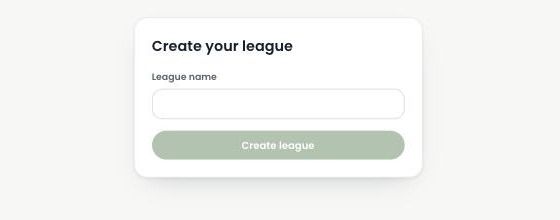
Create your league
Start from your dashboard and give your league a name. That's the only thing required to get going — you can fill in the rest as you go.
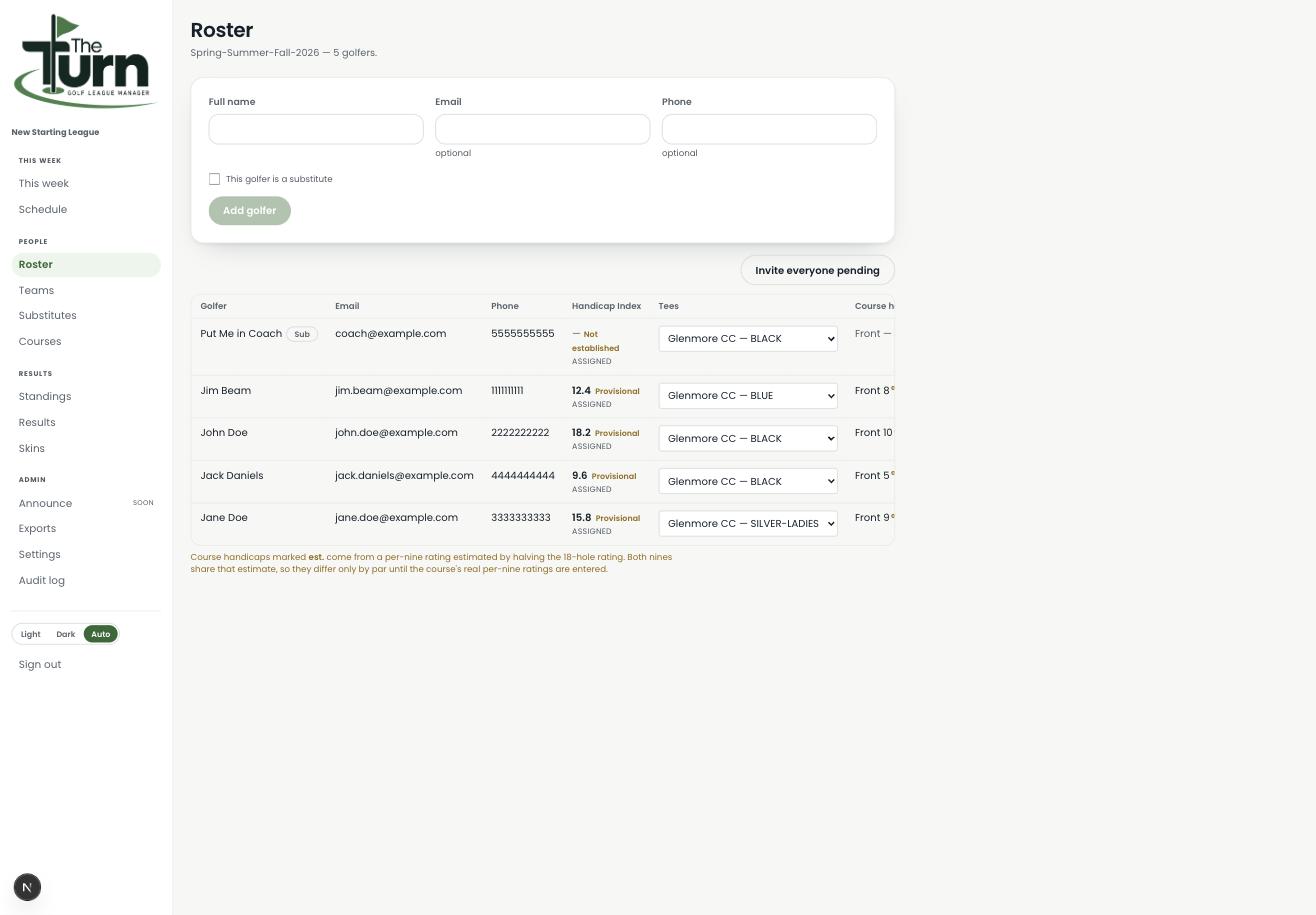
Build your roster
Add your golfers by name, with an optional email and phone number. Each golfer's handicap index can be entered directly, or left to establish itself automatically once they've played a few rounds. Assign each golfer a set of tees so their course handicap calculates correctly.
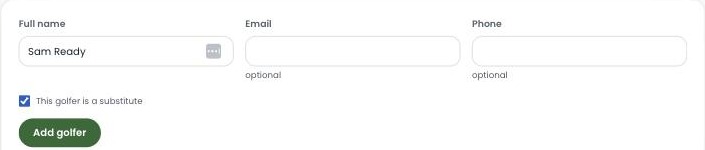
Add substitutes for when someone can't make it
Add a golfer the same way you add anyone else, and check "This golfer is a substitute." They'll show up in a dedicated Substitutes pool your league can draw from all season — see the Substitutes guide for the full picture.
Add your course
Photograph a blank scorecard from the pro shop instead of typing everything in by hand. The Turn reads the pars, stroke indexes, yardages, and ratings off it, and checks its own math against the card's printed totals before saving anything.

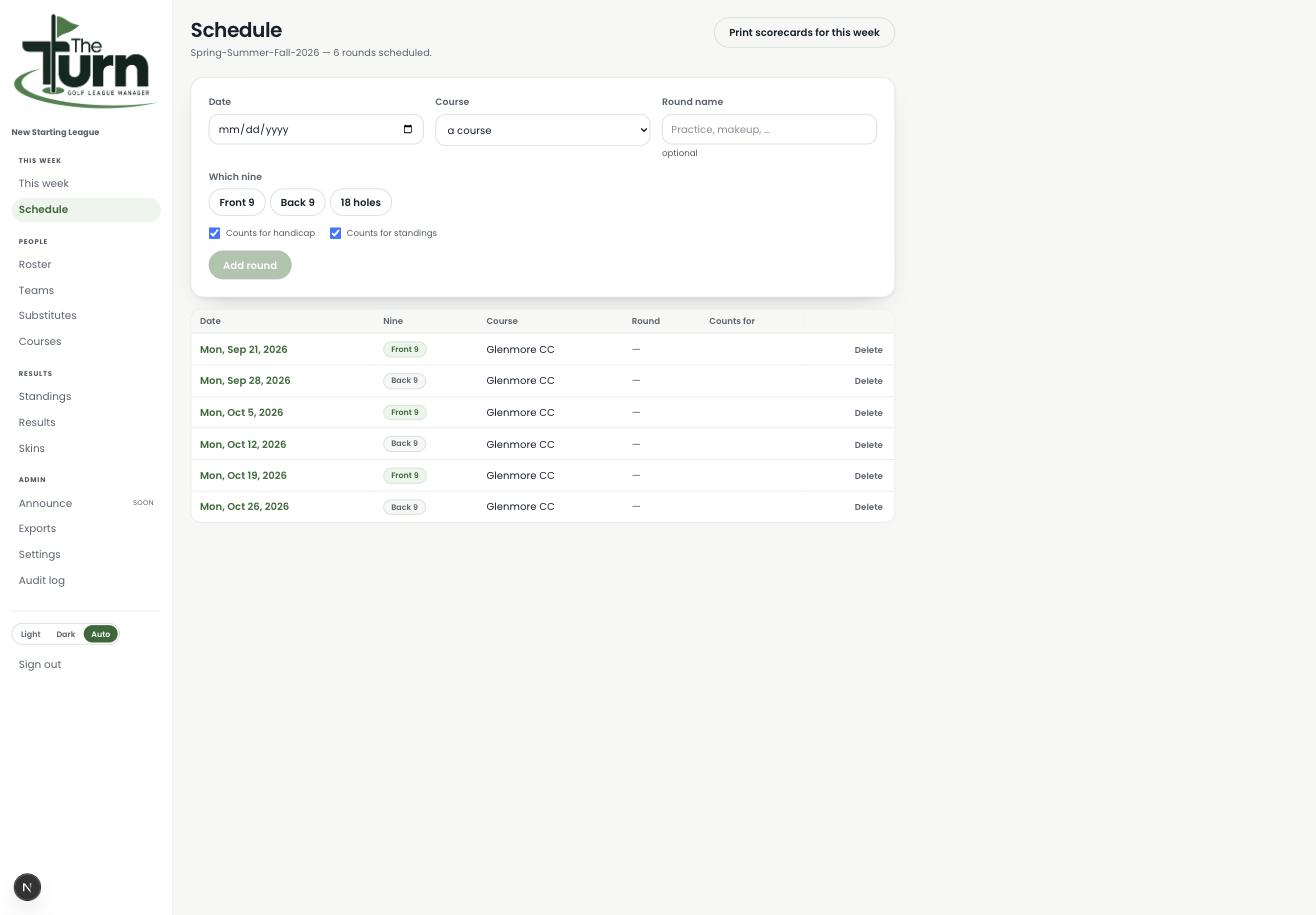
Schedule your season
Pick a date, a course, and which nine (or all eighteen) you're playing. Add as many rounds as your season needs — each one shows up on the schedule with its own date and course.
Group golfers into tee times
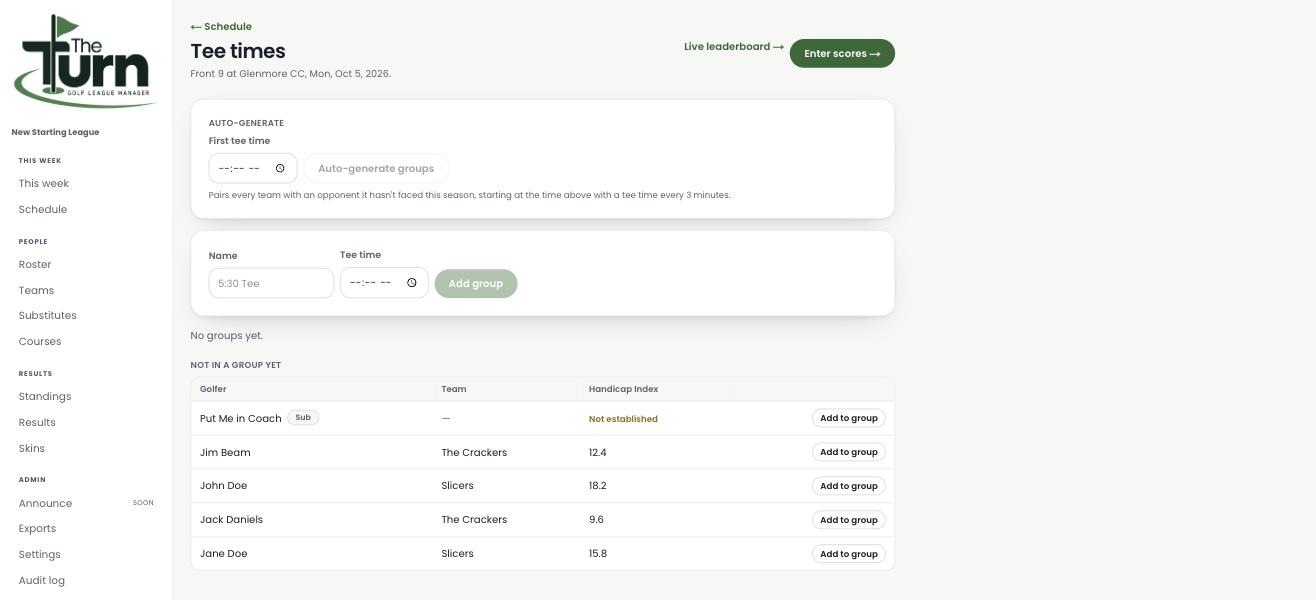
For each round, group your golfers into tee times — auto-generate pairings, or set them up by hand.
Print scorecards
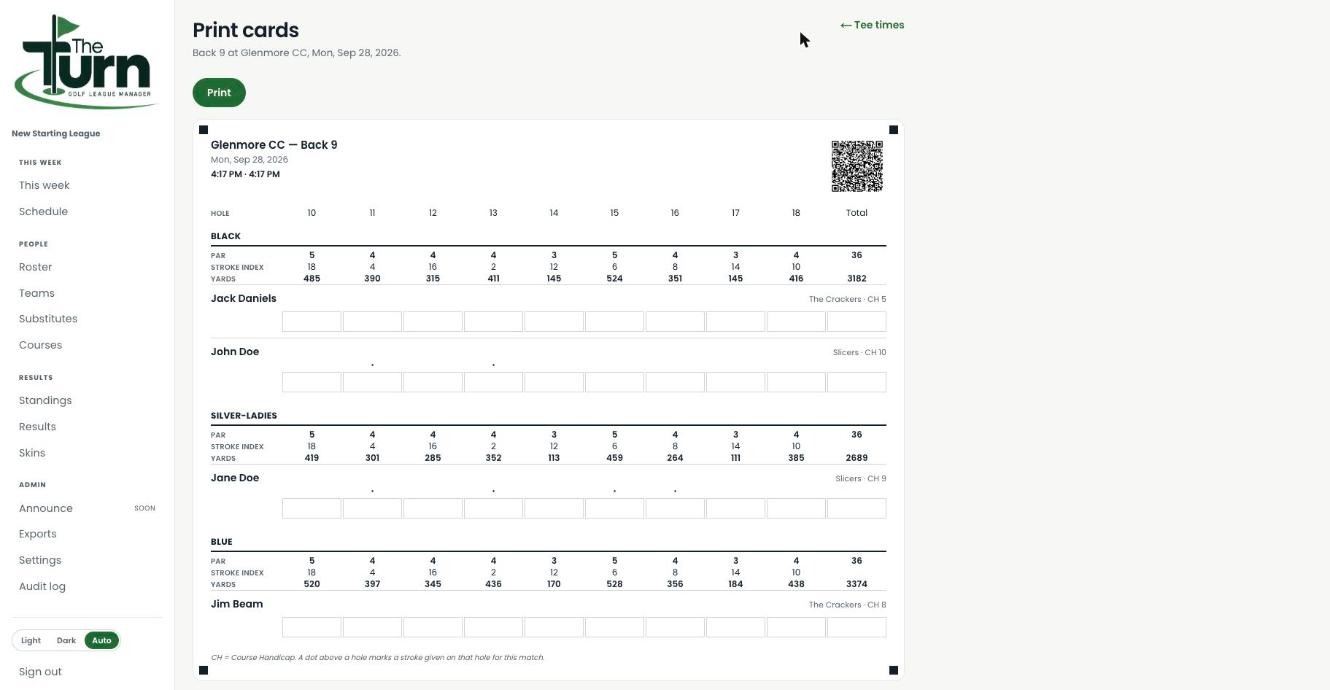
Once groups are set, print real scorecards straight from the app: pars, stroke indexes, yardages, and a QR code linked to live scoring for that exact round, all generated automatically. No separate sign-up link to hunt down.
Enter and publish scores
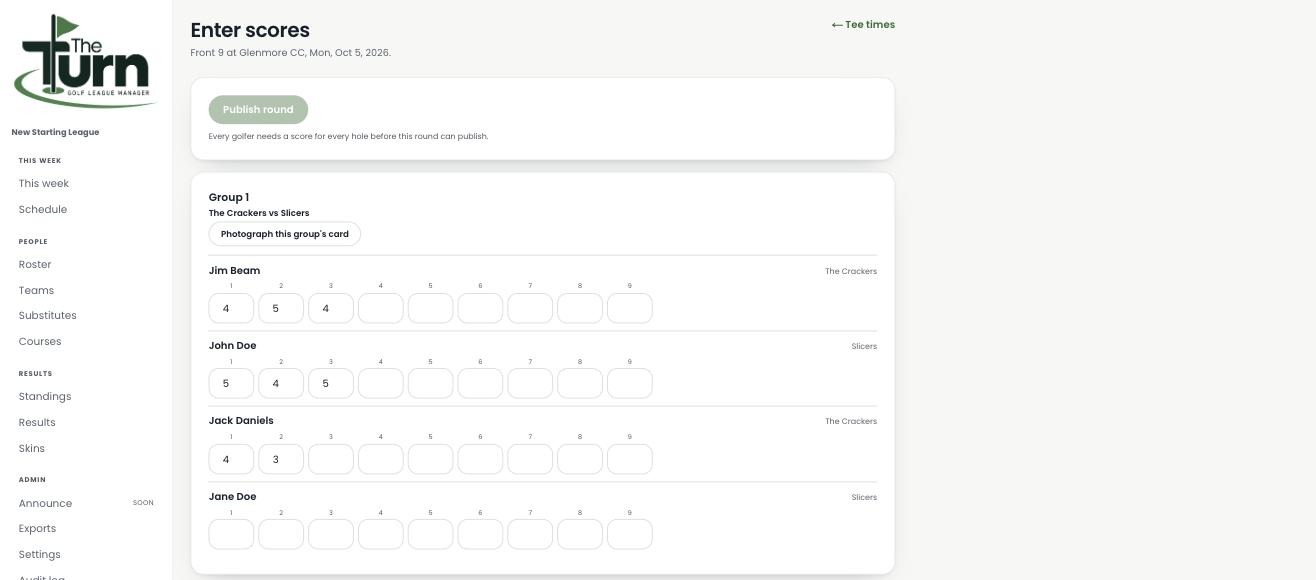
Type scores in hole by hole, or let golfers scan the QR code on their printed card to enter their own. When every golfer has a score for every hole, publish the round — that locks it in and updates handicaps and standings.
Check standings
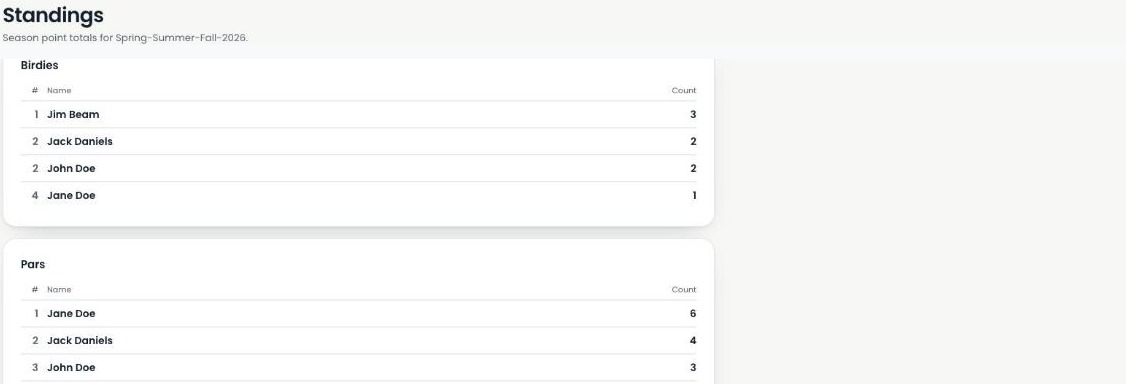
Once a round publishes, birdies, pars, and season point totals update on their own — no separate spreadsheet tab to maintain. Every golfer can see exactly where they stack up.
Ready to set up your own league?
Every step above is live in the product today — not a roadmap slide.
Start your league →