
League Setup Checklist
Everything to line up before your first round, grouped into four phases — from planning to running the season.
Plan your season
Pick a scoring format
Match play, net match play, stroke play, or Stableford — decide how your league keeps score before you set anything up.
Choose your course(s)
One home course, or a rotation — you can always add more later.
Get a rough headcount
You don't need every golfer locked in yet, just a sense of how many teams or groups you're planning around.
Set up your league in The Turn
Create your league
Just a name — everything else can be filled in as you go.
Build your roster
Add each golfer's name, contact info, and handicap index if you already know it.
Add your course(s)
Photograph a blank scorecard and The Turn reads the pars, stroke indexes, yardages, and ratings off it.
Schedule your season
Add every round with its date, course, and which nine (or all eighteen) you're playing.
Get ready for round one
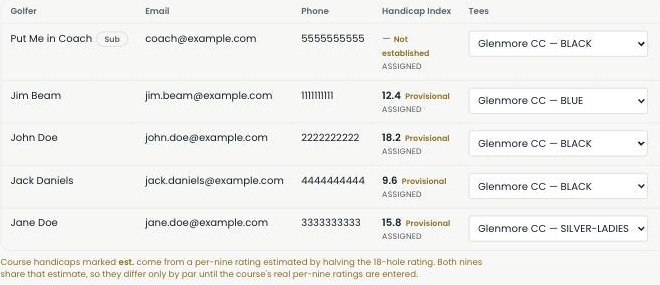
Group golfers into tee times
Auto-generate pairings, or set them up by hand.
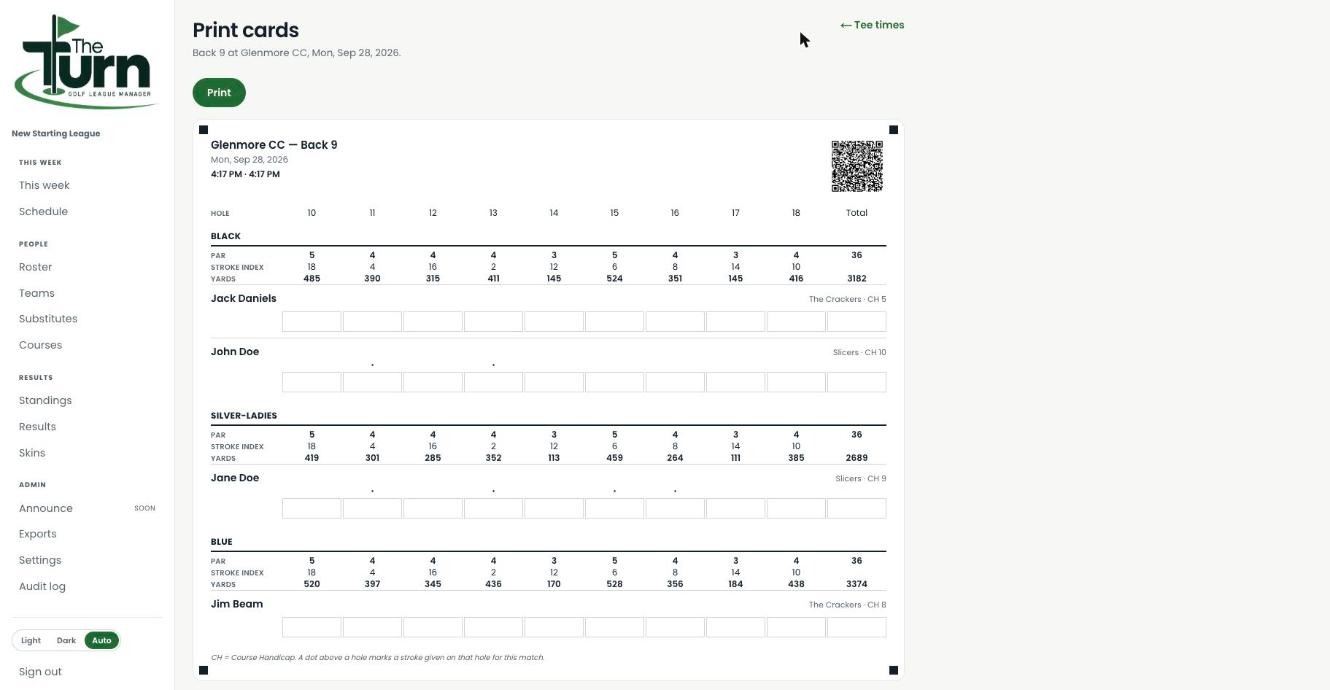
Print scorecards
Real scorecards with pars, stroke indexes, yardages, and a QR code linked to live scoring — generated automatically.
Invite your golfers
So they can see their own schedule, handicap, and results.
Run the season
Enter and publish scores
Type scores in hole by hole, or let golfers scan the QR code on their card to enter their own.
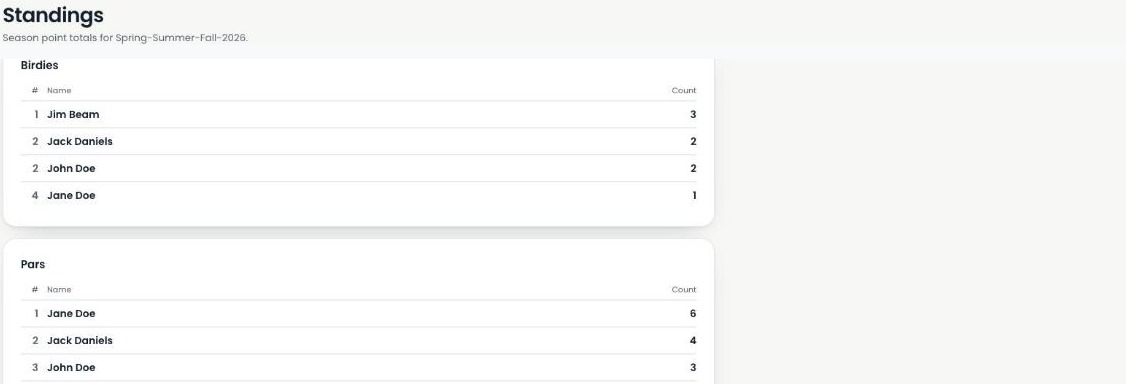
Check standings after each round
Birdies, pars, and season point totals update automatically — no spreadsheet tab to maintain.
Check the audit log if anything looks off
Every roster change, score correction, and settings update is logged — who did it, and when.
Ready to check the first box?
Every step above is live in the product today — not a roadmap slide.
Start your league →