
Player Guide
What you actually do in The Turn as a golfer — from checking the schedule to scanning your card on the course.
Getting into your league
Your commissioner invites you by email. Follow the link, set a password, and you're in — there's no separate app to install, and The Turn works the same whether you open it on your phone or a computer.
Check your schedule
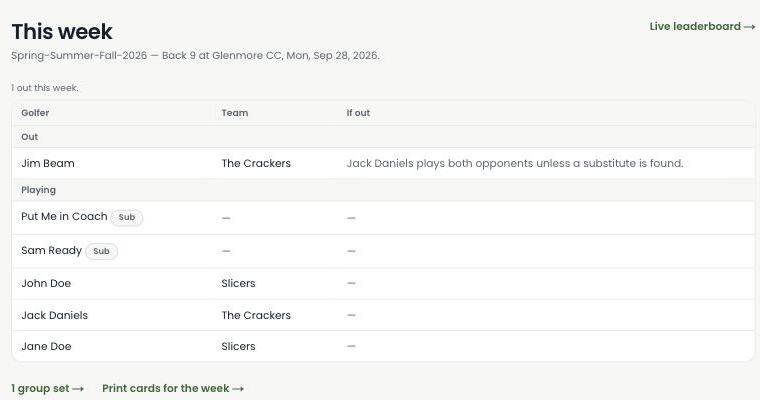
"This week" shows who's playing, who's out, and one-click links to that week's scorecards and the live leaderboard. It's the first page you'll see when you sign in.
Scan your card, enter your score
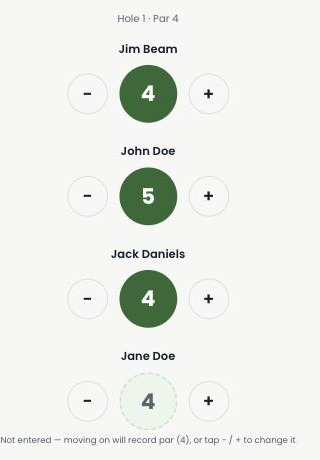
Every printed scorecard carries a QR code. Scan it with your phone's camera — no login, nothing to download — and you'll land on a simple hole-by-hole entry screen: big tap targets, one hole at a time. Tap − or + to set each score, then move to the next hole.
Watch the leaderboard as you play
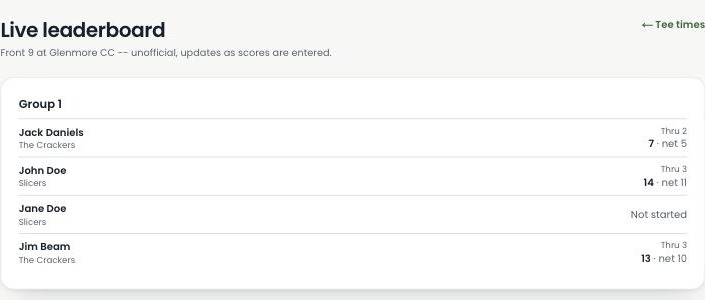
Sign in and pull up the live leaderboard any time during the round to see where everyone stands — thru how many holes, gross and net. It updates as scores are entered, so there's no need to keep asking "what's the score?"
Check your results afterward
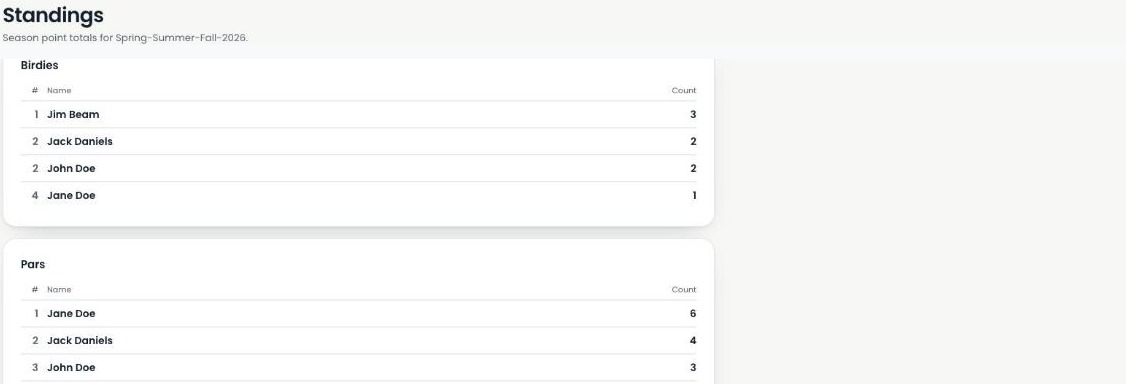
Once the round publishes, your birdies, pars, and season point totals update automatically on Standings — and your Handicap Index recalculates too. See the Handicap 101 guide for how that number is actually worked out.
Not playing on The Turn yet?
Ask your commissioner to invite you, or start your own league — every screen above is live in the product today.
Start your league →